Your central onboarding space with everything you need to get started: key actions, required forms, access steps, learning resources and support links.
Please complete the steps below so we can activate your setup efficiently. Platform access can only be granted once the required information, user roles and setup checks are complete.
1
Schedule your discovery call
Align with the team on goals, priorities and next steps.
2
Complete finance & billing details
Required to set up invoicing correctly and avoid billing delays.

Open finance & billing form
3
4
Amazon Ads clients only: complete credit check form
Complete the Amazon credit check form and send it to your dedicated account manager.
Download Amazon credit check form
A structured path to help your team move from signature to platform access, training and first campaign activation.
1
Signature confirmed, account owner assigned, key info transferred.
2
Welcome email and starter pack shared, with next steps and key contacts.
3
Discovery call to align on goals, training needs, stakeholders and activation priorities.
4
User access, platform setup and tool-specific enablement. Training plan in place.
5
Support on setup, launch, and early optimization best practices.
6
Reporting cadence, support model and account plan confirmed.

Platform license activation depends on platform processes and can take up to 10 business days once the required information and setup steps are complete.
Platform access can only be granted once the required information, user roles and setup checks are complete.
Discover our set of programmatic advertising platform partners and technologies, including Google Marketing Platform, Amazon DSP, and Microsoft Invest. Our expertise extends beyond these solutions, allowing us to adapt to your specific needs.

On-demand training modules, recordings, playbooks and onboarding content.
Access Programmads Academy

Upcoming webinars, replays of past sessions, blog posts and case studies.
Browse webinars and news
%20Primary%20Programmads.svg)
Quality assurance, anomaly detection and AI-powered AdTech answers.
Get starded with AdSecura

Official support centers for Google, Amazon, Displayce, Adform and other platforms.
Self-paced onboarding and platform enablement available in English, French and Spanish.
Programmads Academy helps your team build the baseline knowledge needed to work confidently with programmatic platforms. We encourage all clients to complete the basic onboarding modules before moving into advanced self-serve learning.
Access Programmads Academy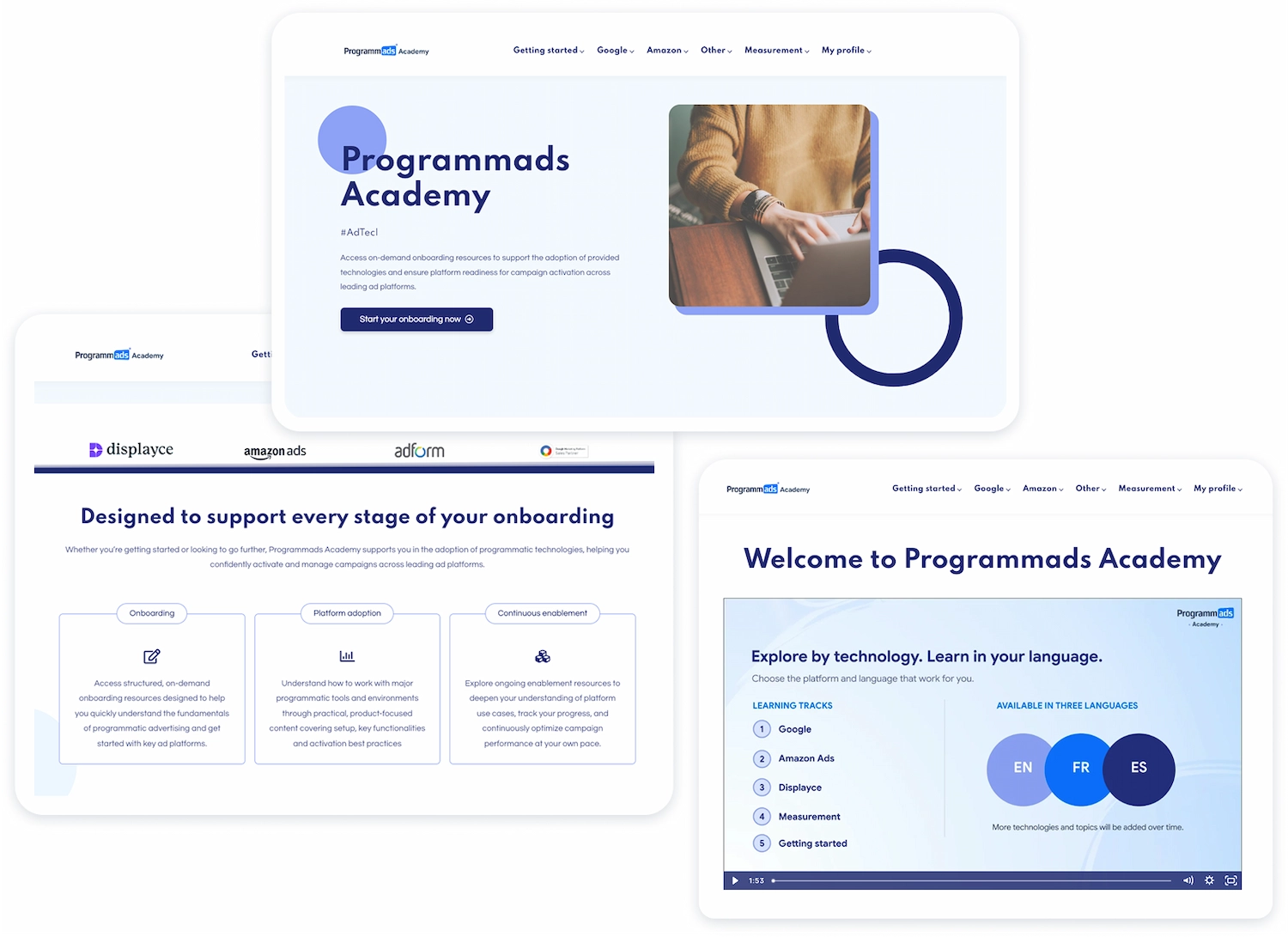

AdSecura helps monitor campaign quality, detect anomalies and support safer digital media operations across connected platforms.
We apply structured security and quality-control processes from day one:

AdSecura access is created by Programmads. Please contact your programmatic consultant or support@programmads.com with the users who need access. We will confirm permissions, create the accounts and share login instructions.
A few simple ways to help us move faster, reduce back-and-forth and support your team effectively.

Please complete the required forms and checklist items as early as possible. Platform access can only be activated once the mandatory setup steps are complete.

Programmads Academy covers many onboarding and platform basics. Use it as your first learning resource, then bring specific questions to your consultant or support sessions.

When contacting support, include the platform name, campaign ID, screenshot and a clear description of the issue to get faster resolution.
%20Primary%20Licensing.svg)
If you contact vendor support directly, copy in your Programmads contact so we can help follow up or escalate if needed.

During the first 12 weeks, onboarding sessions and platform walkthroughs do not deduct from your support hours. Make the most of this period.
%20Primary%20Licensing.svg)
After the first 12 weeks, ad-hoc training, refreshers and deep dives follow the standard support model.


